Move to Unlock
Movement & Screen Time
A movement break before time in your selected apps
Screenshots
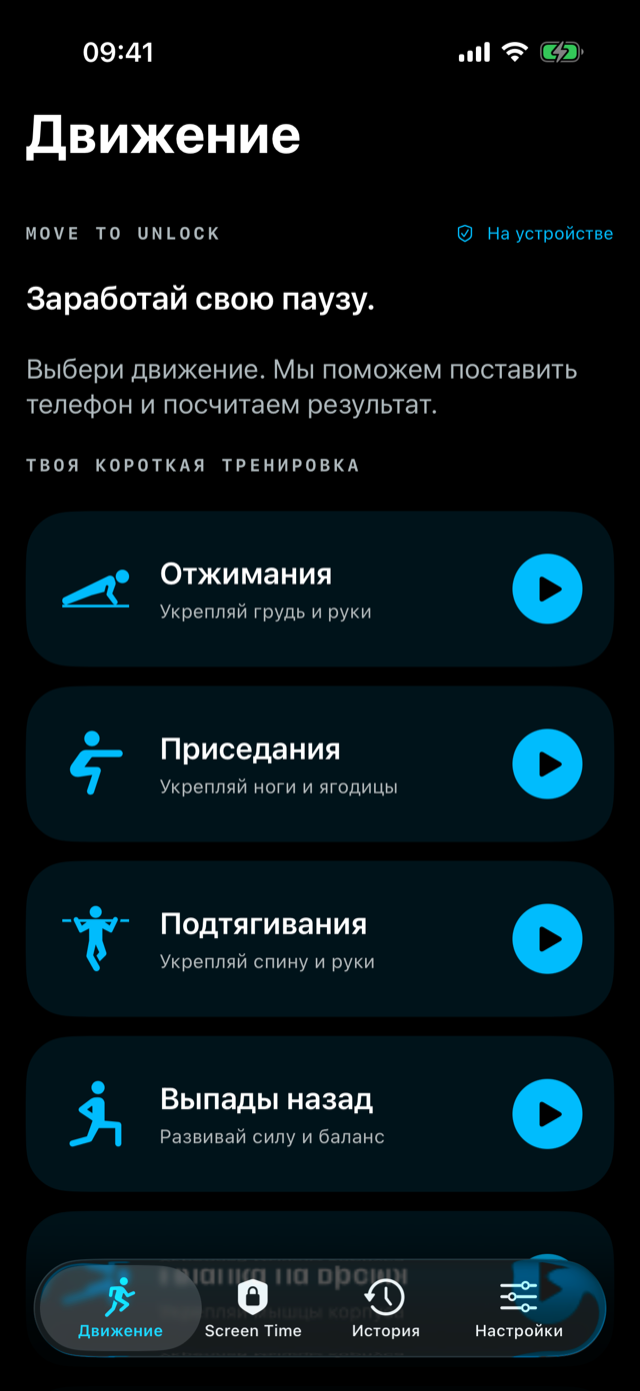
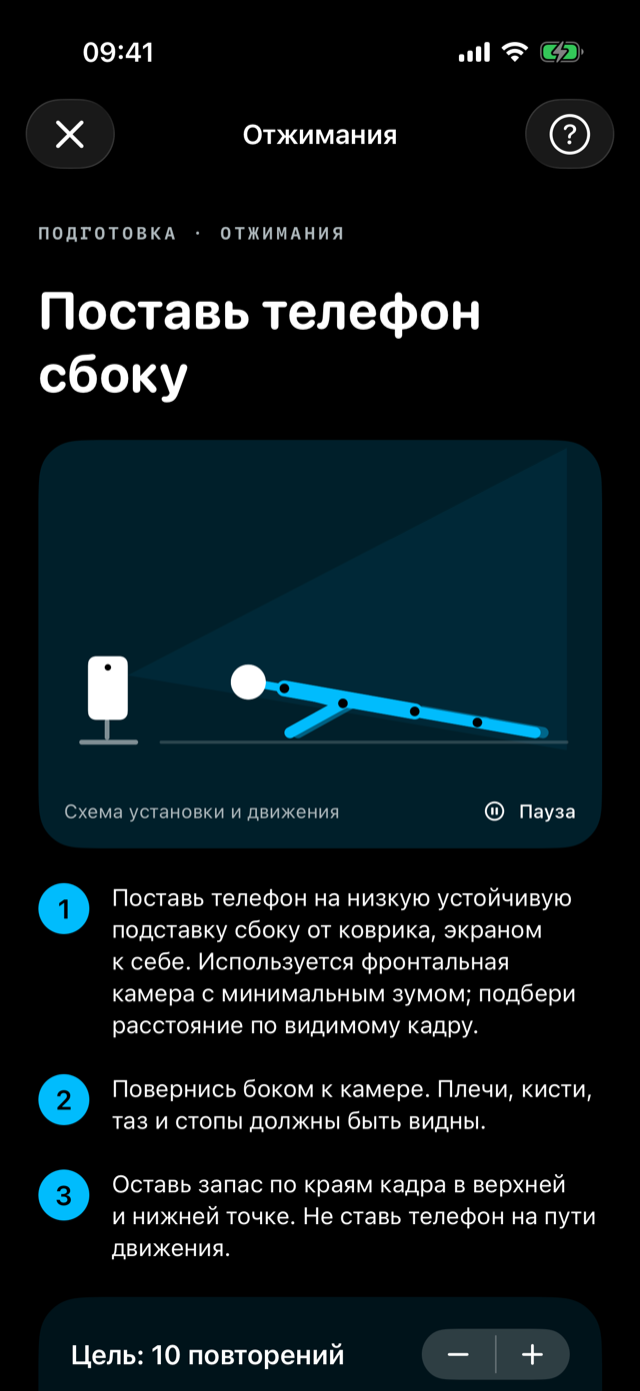
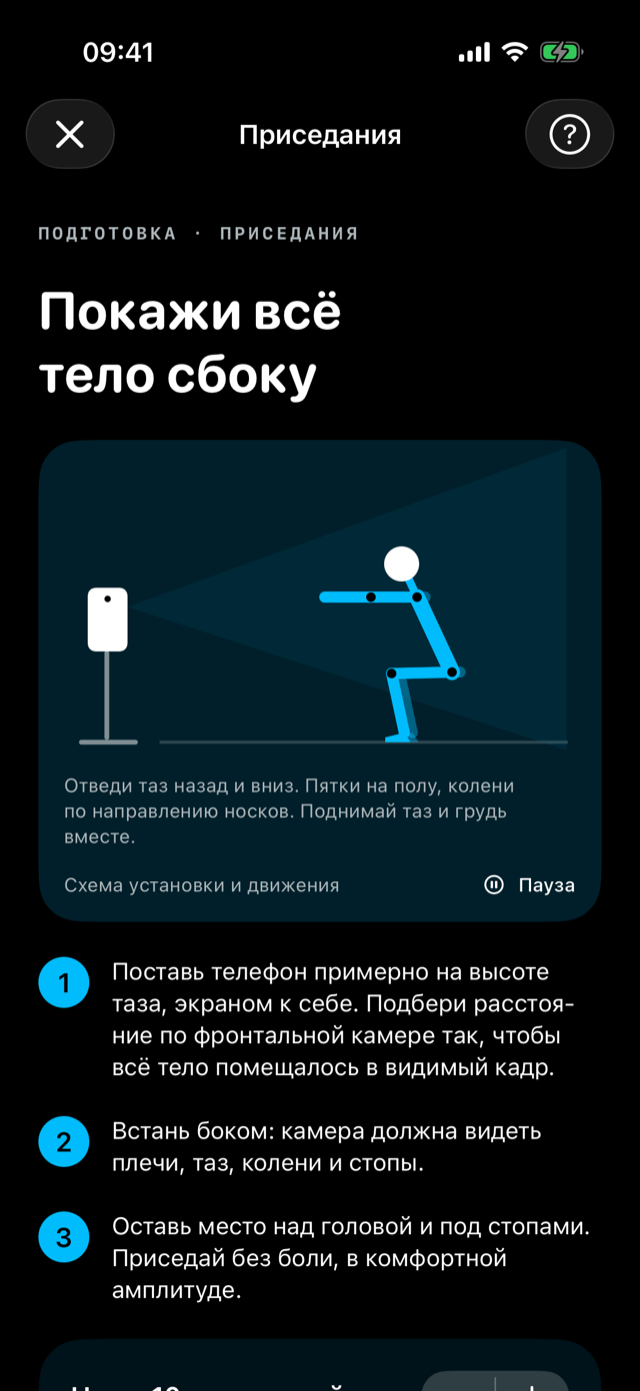
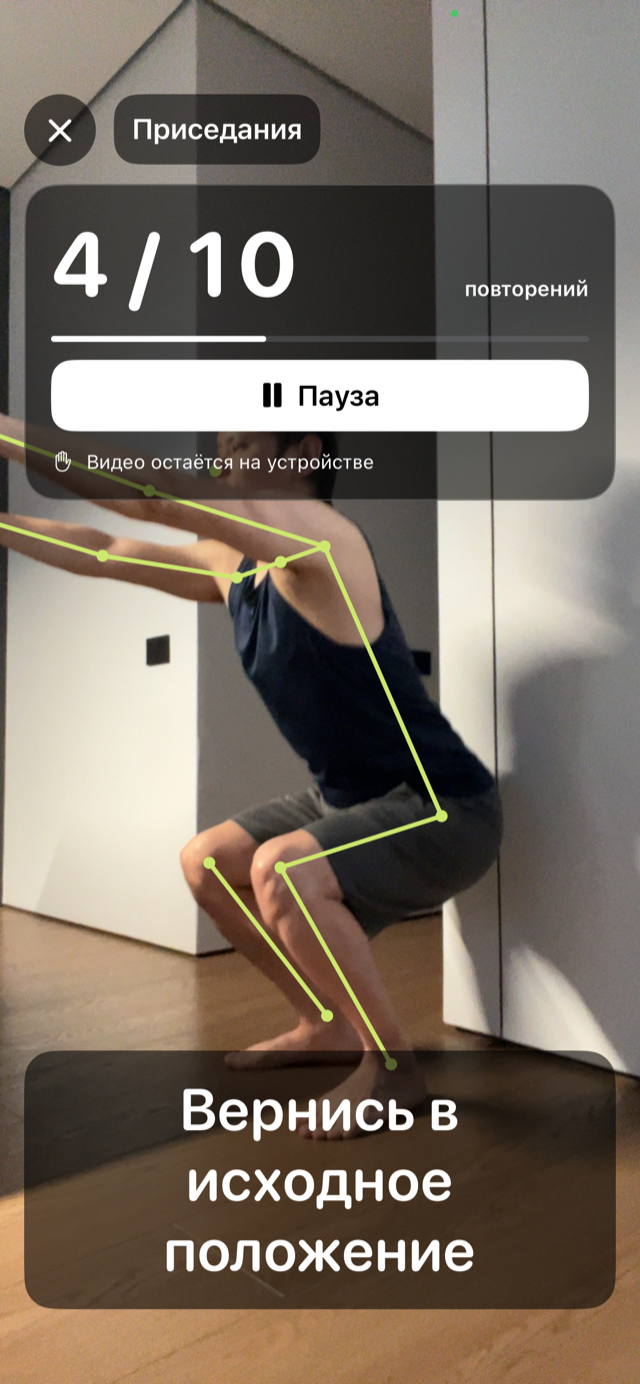
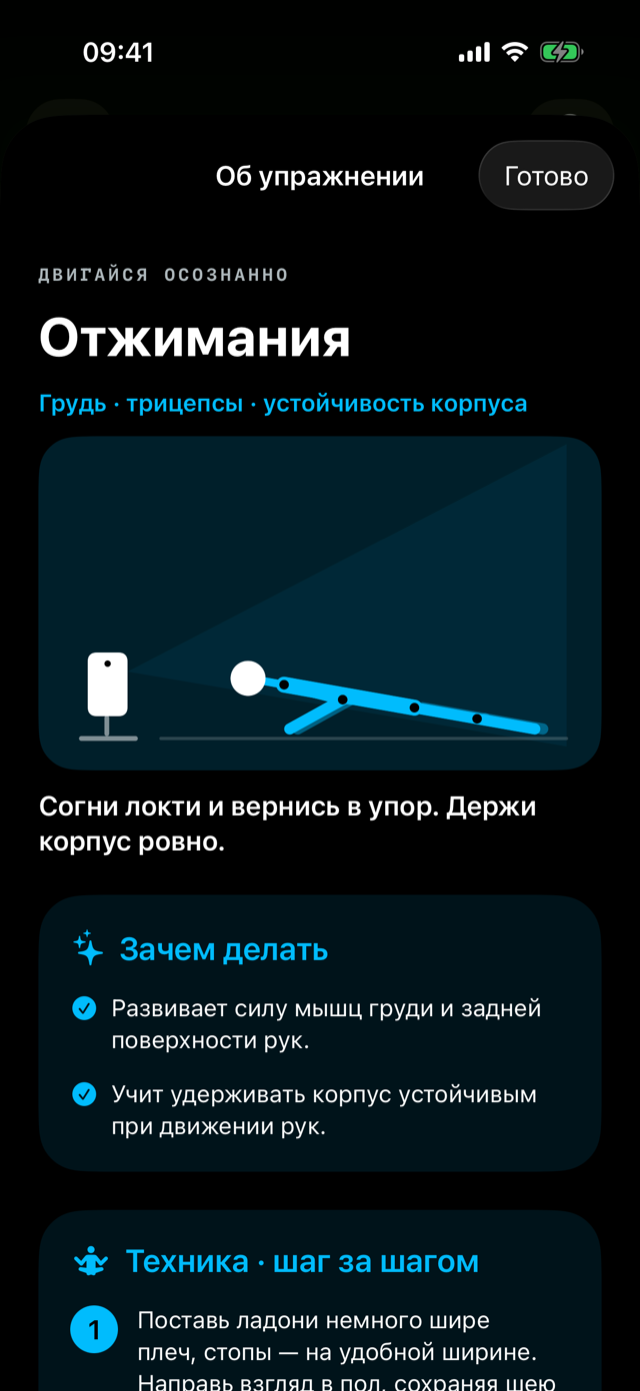
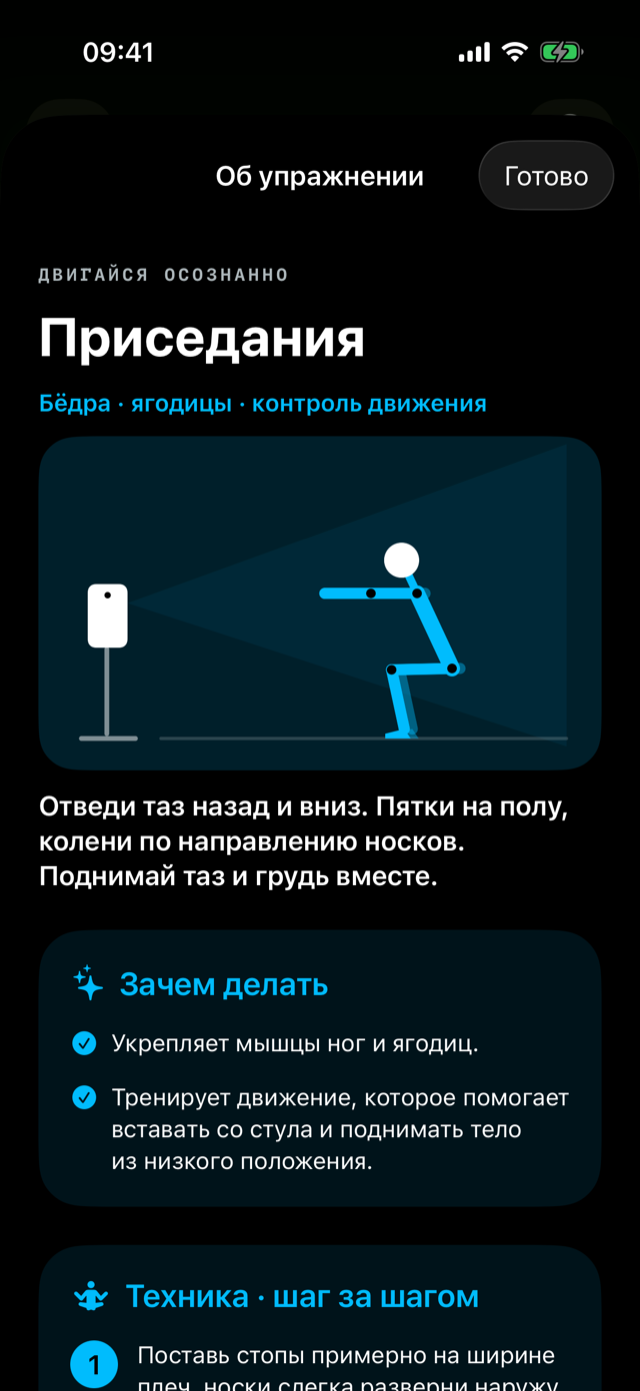
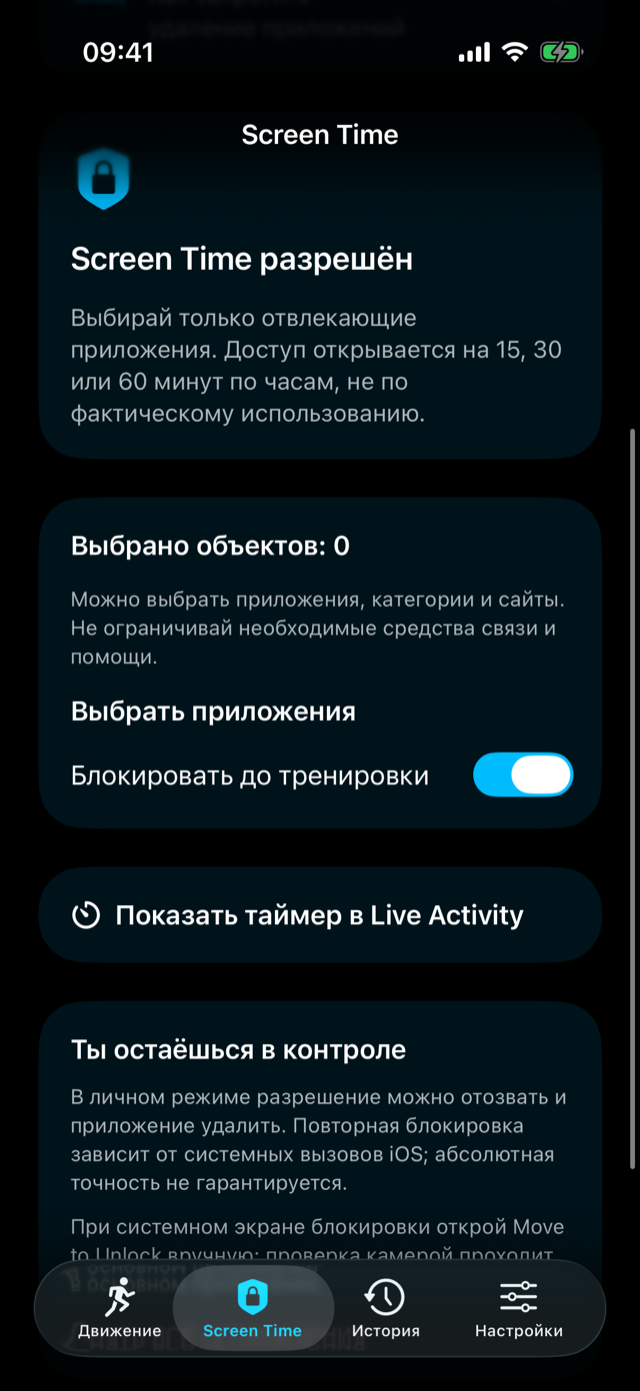
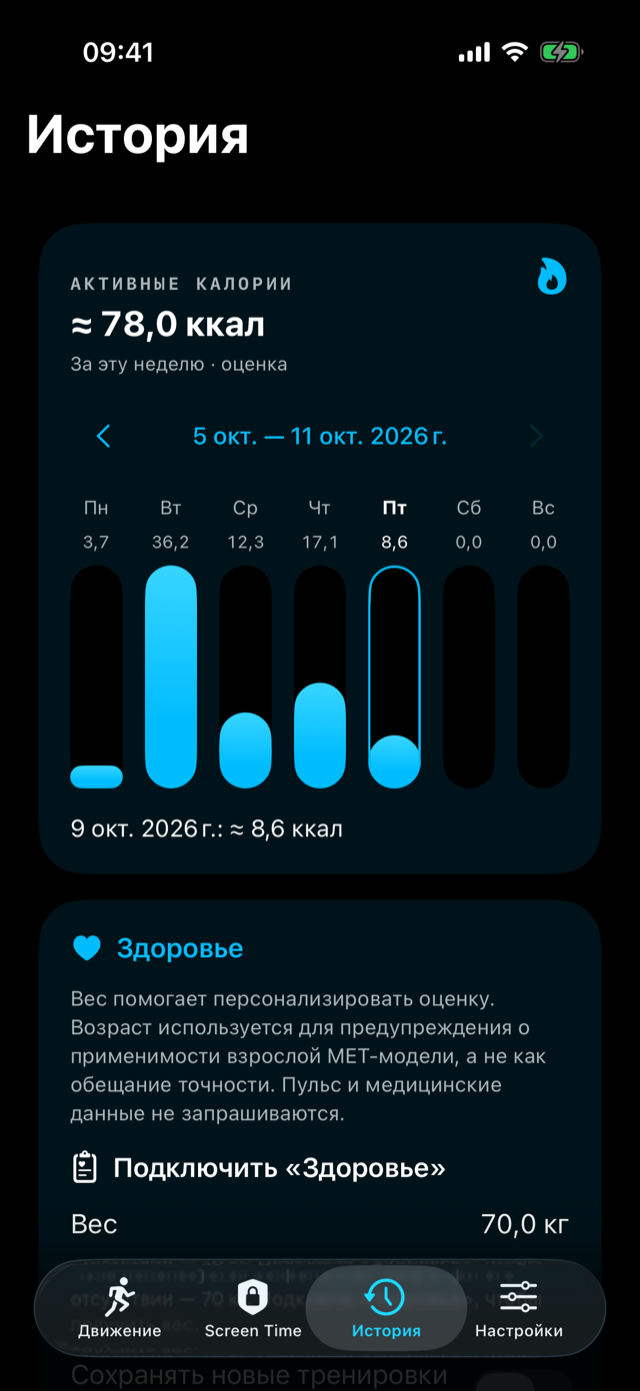
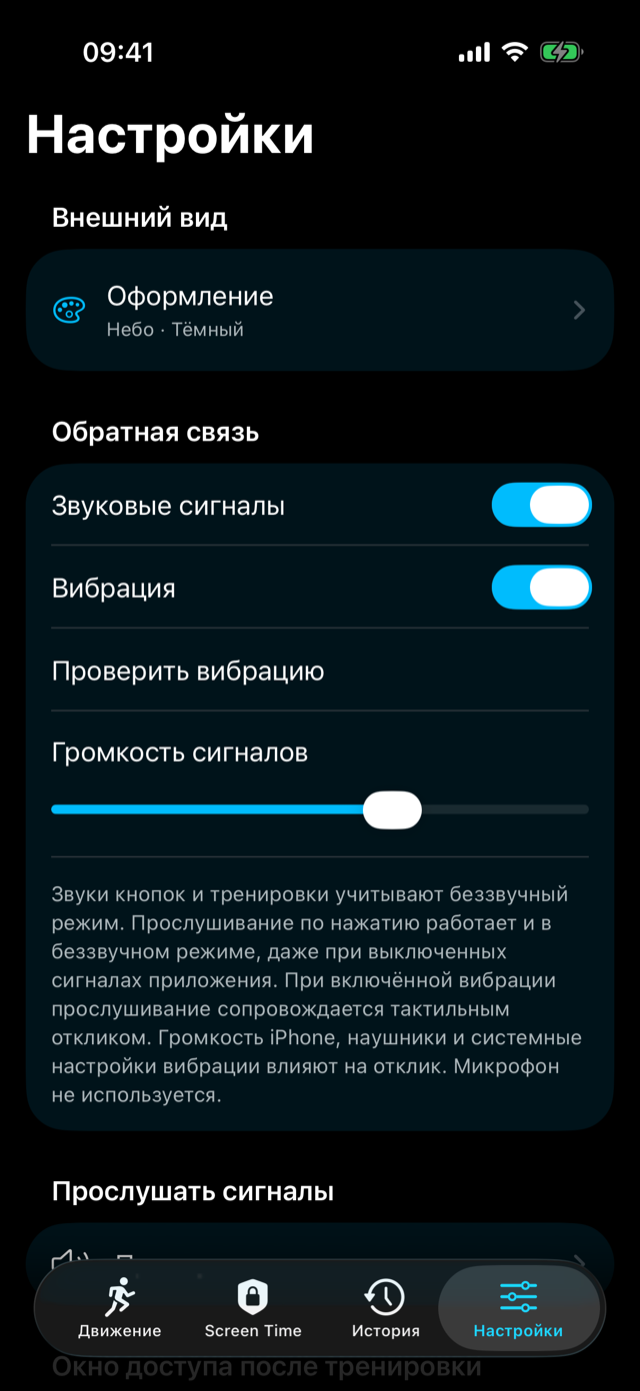
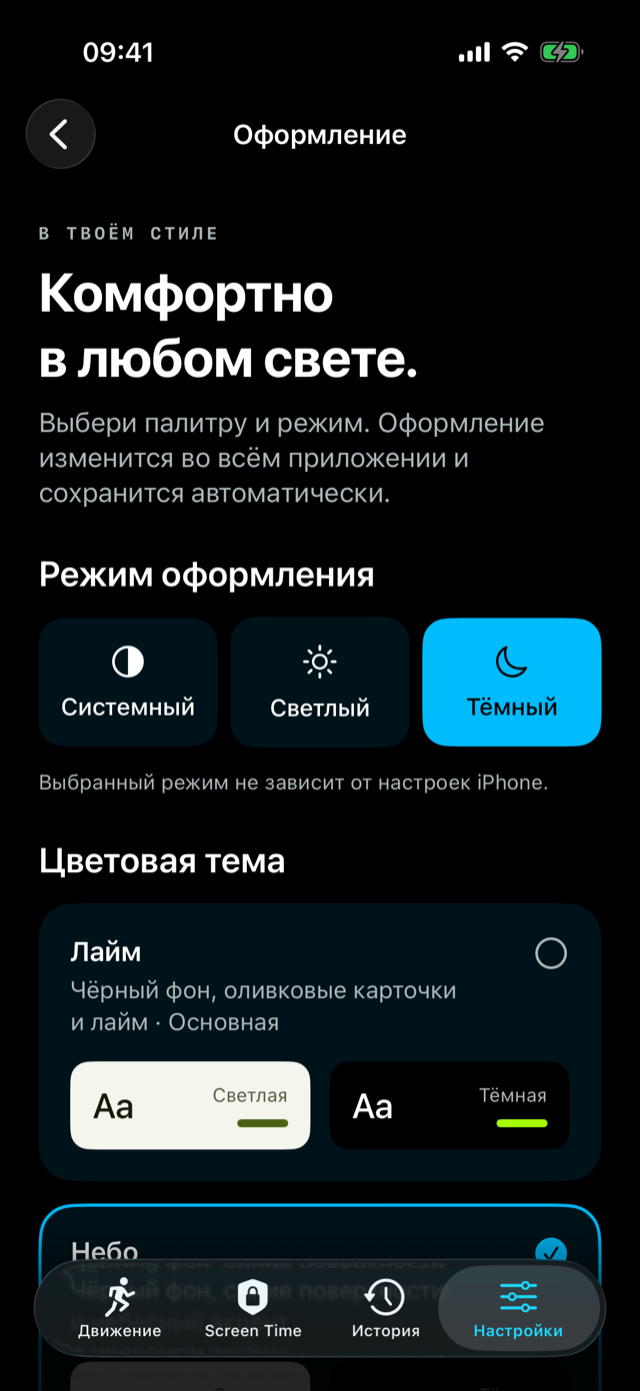
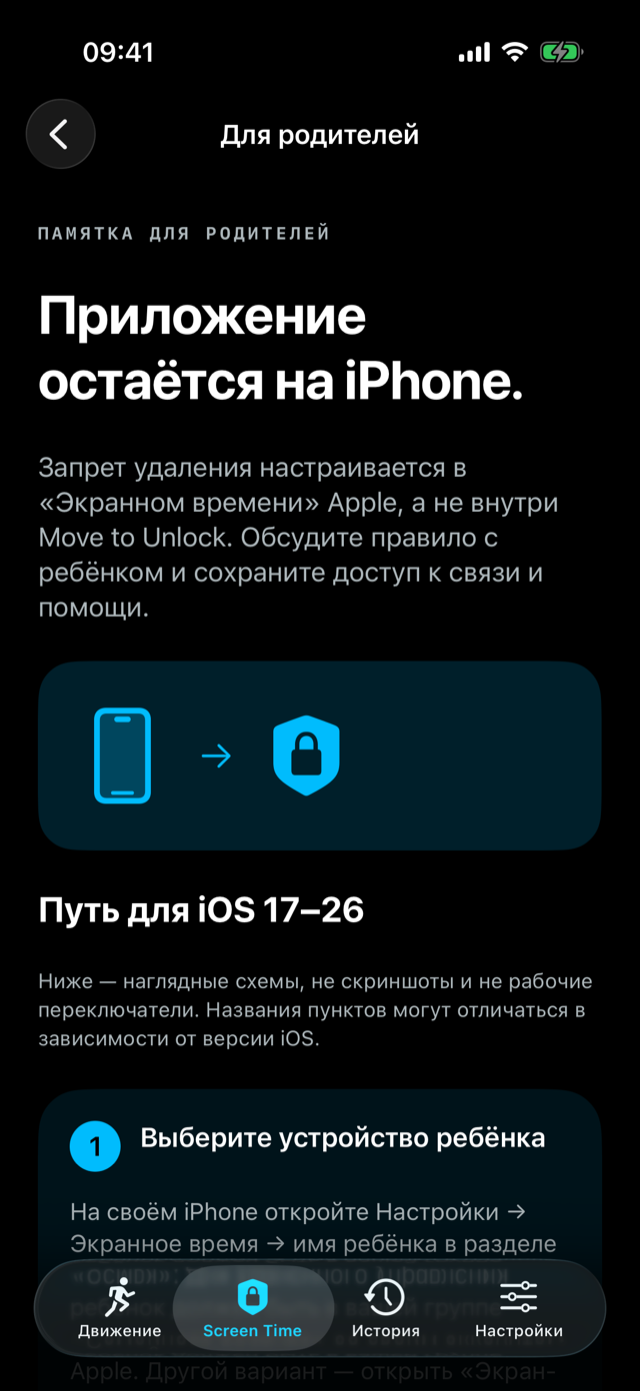
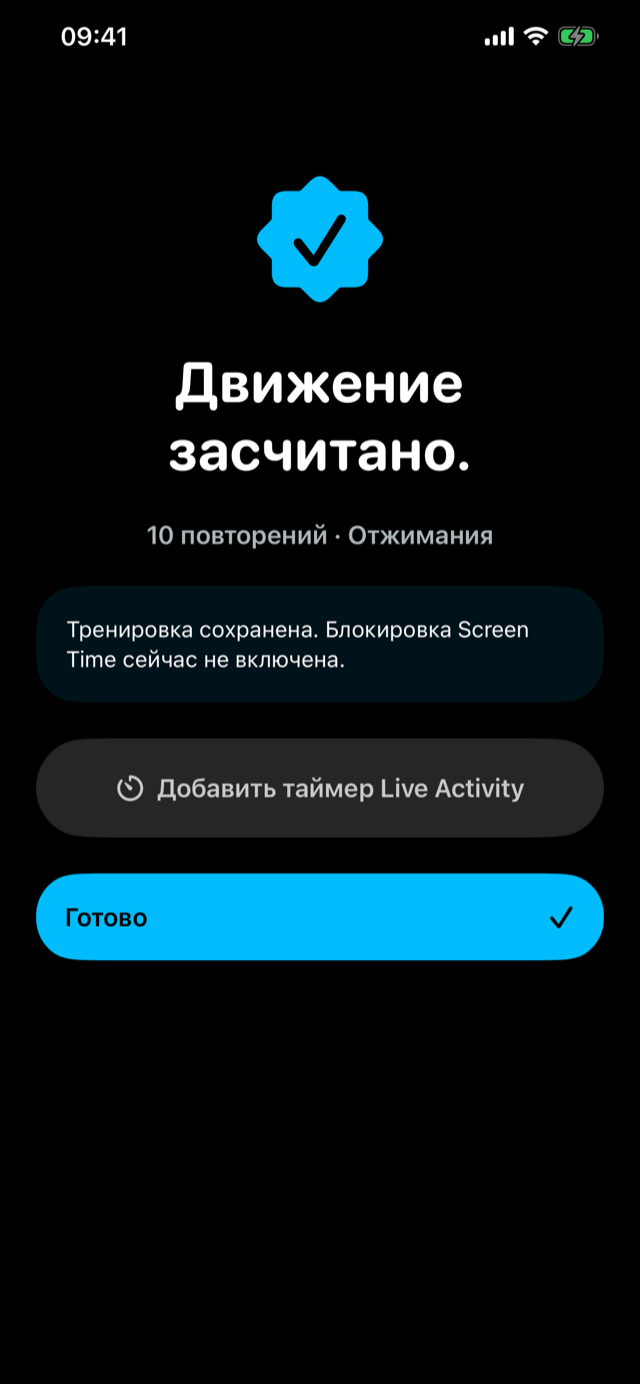
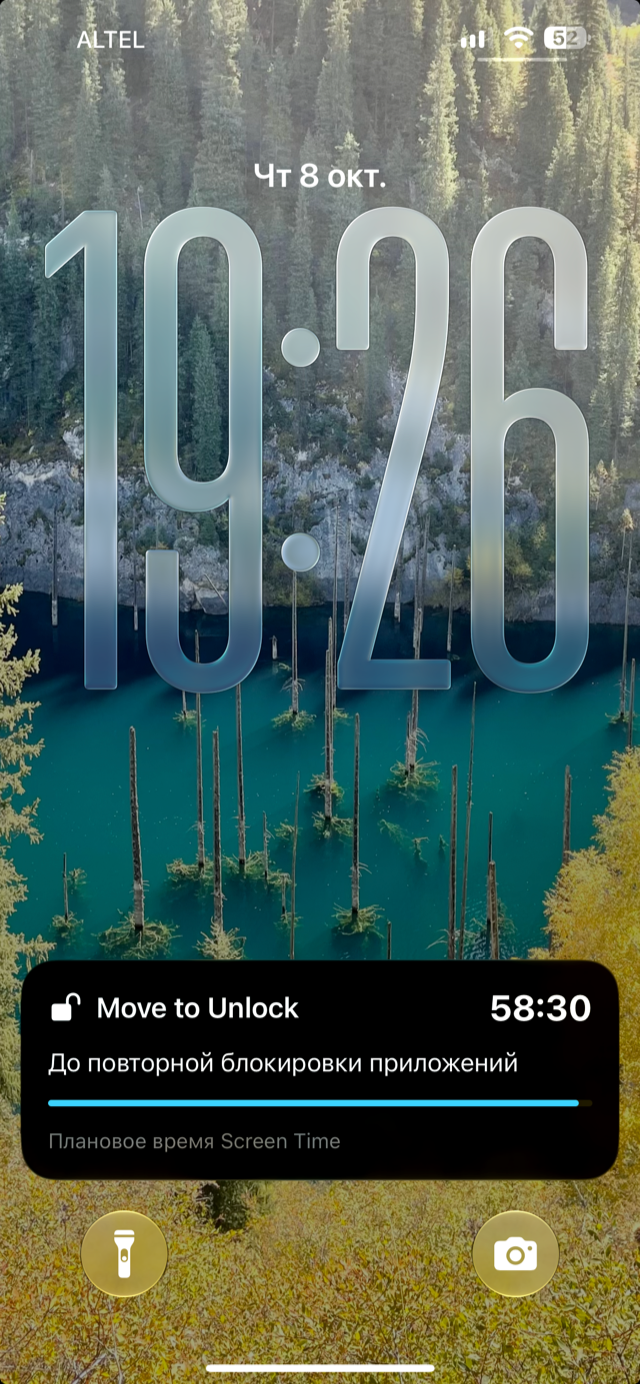
Move to Unlock is a native iPhone prototype that connects a short movement session with a temporary window of access to selected apps. It requires iOS 17 or later. The app interface and the screenshots are currently in Russian; it is not yet ready for an App Store release.
Start with a movement break
Choose push-ups, squats, reverse lunges, a plank, or pull-ups. Setup instructions explain phone placement and framing, while original animated illustrations and exercise guides introduce the movement, common mistakes, and easier alternatives. Reverse lunges and pull-ups are experimental.
Camera processing stays on your phone
During a workout, the front camera and Apple Vision estimate body joints. The app checks visible geometry and movement cycles to count accepted repetitions, or accepted visible time for a plank. It offers visual prompts, locally generated sounds, and optional vibration. Camera frames are not recorded or uploaded.
An access window, not a minute balance
With Screen Time permission, choose apps, categories, or websites to restrict. Completing a session can open a 15-, 30-, or 60-minute window; the DeviceActivity extension requests reapplication of restrictions afterward. The window runs by clock time, not by minutes actually spent in the apps. Timing and authorization depend on iOS and need real-device validation.
Keep it personal
Completed sessions and settings stay on your device. Choose light, dark, or system appearance and one of eight palettes. Exercise guidance and the parent information article are available without making system changes on your behalf. There is no account, developer server, advertising, or analytics.
Important limits and safety
The prototype is not a medical assessment, a guarantee of safe exercise technique, a replay-proof detector, or tamper-proof parental control. You can revoke individual Screen Time permission or delete the app. Stop exercising if you feel pain, dizziness, or unwell; follow the in-app safety guidance and seek appropriate medical advice. Simplified illustrations and camera recognition do not establish that an exercise is suitable for you.
Features
- Five movement options with phone-placement instructions
- Animated illustrations and exercise-specific educational guides
- On-device front-camera body-pose processing with Apple Vision
- Repetition checks based on visible movement cycles
- Plank timing only for accepted visible geometry
- Visual prompts, local sounds, and optional vibration
- Screen Time selection of apps, categories, and websites
- 15-, 30-, and 60-minute clock-time access windows
- DeviceActivity extension for reapplying restrictions
- Local workout history with confirmed deletion
- Eight palettes with light, dark, and system appearance
- iPhone, iOS 17+; no account or analytics
Say Hello
Get in Touch
Have a question, feedback, or just want to say hi?